
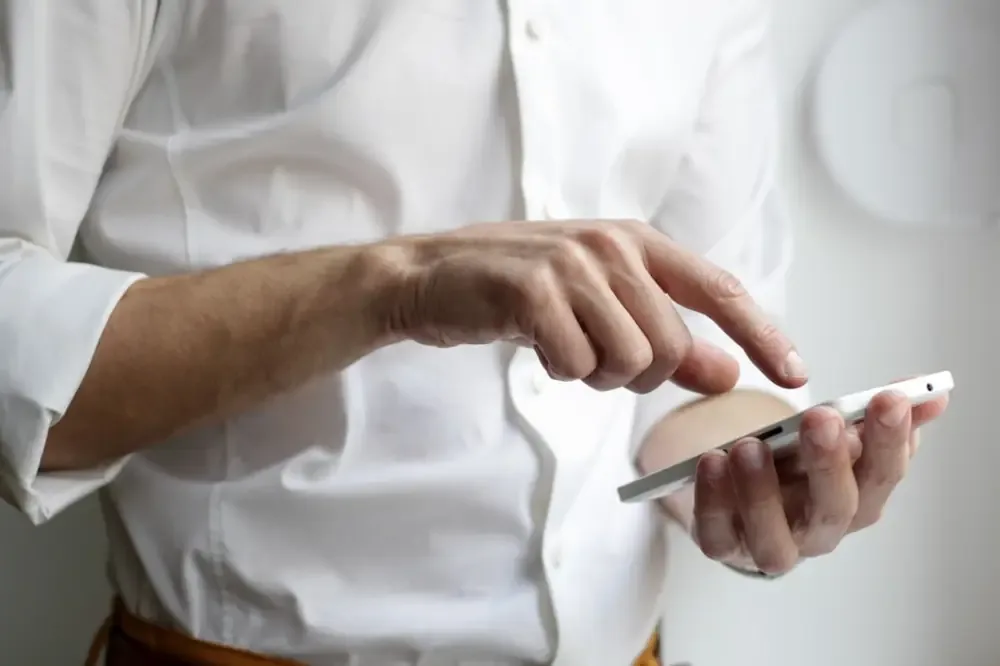
Bringing the Sense of Touch to the Digital World
For decades, our interaction with technology has been primarily visual and auditory. We look at vibrant displays and listen to high-fidelity audio, but when it comes to touch, the experience has often felt hollow. We tap on cold, flat glass and hope the device registers our intent. However, a significant shift is happening. Haptic feedback is finally bridging the gap, making our digital interactions feel as natural and intuitive as the physical world around us.
At NEO3DO, we have explored how multi-dimensional visuals and immersive displays are changing the game. But visuals are only half the story. To truly feel connected to a smart device, your sense of touch needs to be engaged. This is where modern haptics come in, moving beyond simple vibrations to create nuanced sensations that mimic real-world textures and resistances.
What Exactly is Haptic Feedback?
In simple terms, haptic feedback is the use of vibrations, motions, or forces to communicate information to a user. While you might associate it with the 'buzz' of a silent phone call, the technology has evolved significantly. Modern 'HD haptics' use sophisticated actuators to create precise sensations, such as the click of a mechanical button, the scroll of a physical wheel, or even the feeling of different textures like sand or metal.
This technology is designed to provide 'tactile confirmation.' When you perform an action on a screen, your brain expects a physical response. When that response is missing, the interaction feels 'fake' or disconnected. By adding haptics, developers create a feedback loop that satisfies our biological expectations, making the digital environment feel solid and responsive.
How Haptics Make Technology Feel More Human
The goal of any great user interface is to disappear, leaving only the task at hand. Haptic feedback achieves this by tapping into our subconscious. Here is how it practically improves the way we use our devices:
- Reduced Cognitive Load: When you feel a subtle 'thump' confirming a file has been moved or a message sent, you don't have to visually double-check the screen. Your sense of touch handles the confirmation, freeing up your mental energy.
- Increased Accuracy: Tactile cues on digital keyboards help you type faster by mimicking the resistance of physical keys. This 'virtual edges' sensation helps your fingers stay centered.
- Emotional Connection: There is a reason we prefer physical buttons on high-end equipment. Tactile feedback adds a sense of quality and 'weight' to digital interactions that visuals alone cannot replicate.
- Accessibility: For users with visual impairments, haptics provide a vital roadmap, using different vibration patterns to signify different navigation elements or notifications.
From Vibration to Texture: The New Frontier
We are moving away from the 'one-size-fits-all' vibration motor. New smart devices use Linear Resonant Actuators (LRAs) that can start and stop instantly, allowing for sharp, crisp 'taps' rather than mushy rumbles. This precision allows designers to create 'haptic languages.' For example, a success notification might feel like a light, upward-moving pulse, while an error might feel like a sharp, double-staccato beat. These nuances allow us to understand what our devices are saying without even looking at them.
Practical Tips to Optimize Haptics on Your Devices
Most users leave their haptic settings on 'default,' but personalizing these interactions can significantly improve your daily tech experience. Here is how you can make your devices feel more natural today:
- Adjust System Haptics Intensity: Go into your smartphone or tablet settings and look for 'Sounds and Haptics.' Many devices allow you to slide the intensity of system-wide haptics. Setting this to a subtle 'crisp' level rather than a high 'buzz' makes the device feel more premium.
- Enable Haptic Feedback on Keyboards: If you use a third-party keyboard like Gboard or SwiftKey, ensure haptic feedback is turned on. Adjust the 'ms' (milliseconds) of the vibration until it feels like a light tap rather than a long shake.
- Use Haptic-Enabled Apps: Seek out apps that prioritize tactile design. Many high-end productivity and creative tools now use haptics to signal when an object is aligned in a layout or when a timer has reached its end.
- Pair with Multi-Dimensional Visuals: If you are using a 3D or dimensional display, haptics are essential. They provide the physical 'anchor' for the depth you see on the screen, creating a truly holographic-feeling experience.
The Future: Tactile Immersion and NEO3DO
As we continue to push the boundaries of immersive display technology, haptic feedback will become the standard, not the exception. Imagine a world where digital shopping allows you to 'feel' the fabric of a garment through the screen, or where remote surgery provides the surgeon with the resistance of a scalpel miles away. This is the logical conclusion of the path we are currently on.
At NEO3DO, we believe that the future of digital interaction is multi-sensory. Just as we have moved from flat screens to dimensional visuals, we are now moving from flat glass to textured, responsive interfaces. By embracing haptic feedback, we aren't just making gadgets more fun to use; we are making them more human.
Conclusion
Haptic feedback is no longer just a gimmick for gaming controllers; it is a fundamental pillar of modern ergonomics. By providing the tactile confirmation our brains crave, it makes our digital lives feel more grounded and natural. Whether you are typing an email, navigating a complex 3D interface, or simply receiving a notification, that small, precise vibration is the bridge between the digital code and your physical reality. Take a moment today to explore your device settings and see how a little touch can go a long way.